ReadyUp
Emergency preparedness for your household. Offline, always.
ReadyUp helps you build and manage everything your household needs to be prepared for emergencies. Track kit inventory with expiration notifications, build actionable plans from 16 FEMA-based templates, store offline documents, manage a barcode library, run timed practice drills, and browse 36 curated survival guides, all without an internet connection. Share plans with others as portable files. Everything lives on your device. No account, no cloud, no internet required, ever.
Features
Kit Inventory
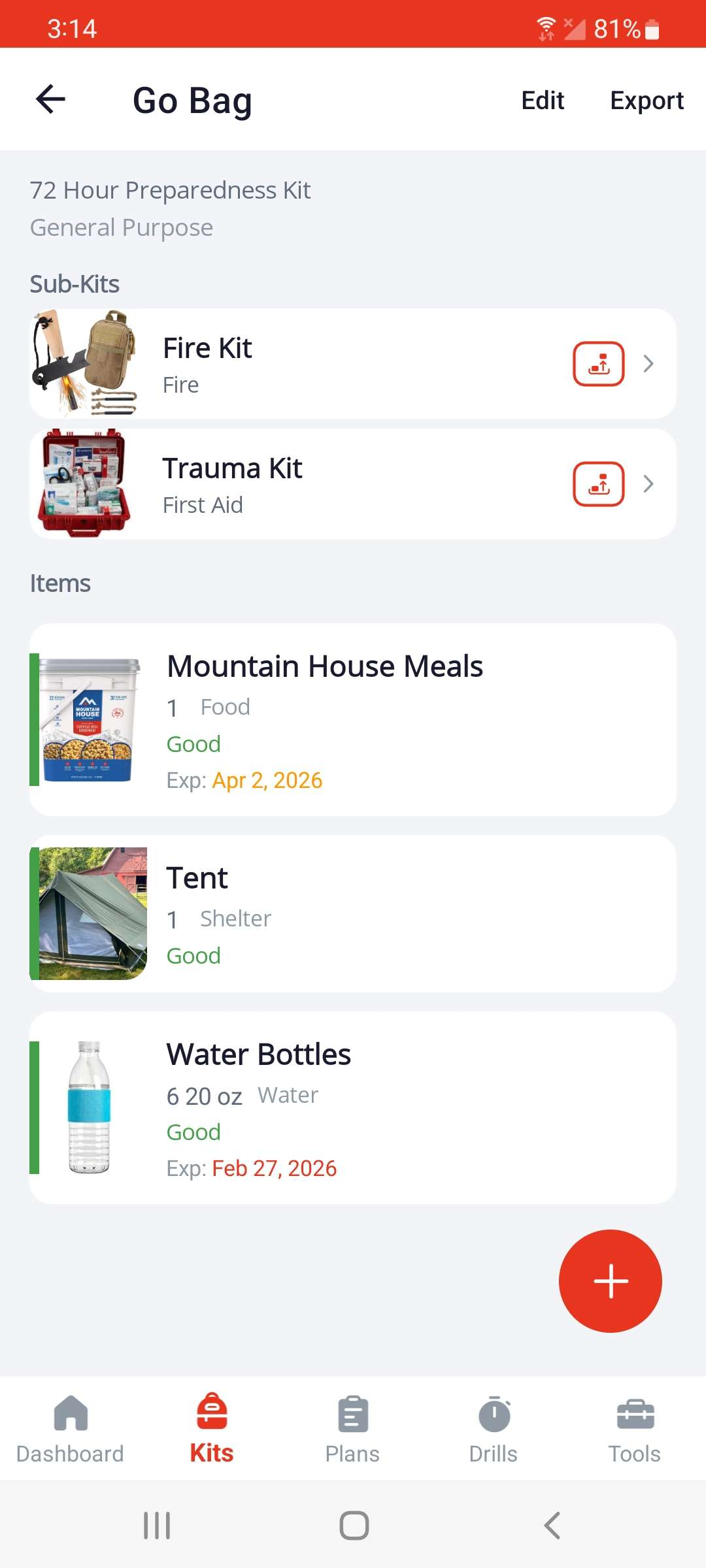
Track supplies with quantities, expiration dates, conditions, and photos. Nest sub-kits to organize go-bags, vehicle kits, and more. Search across all kits and items at once; results include the full kit path so you always know where something lives. Get local notifications before items expire.
Emergency Plans
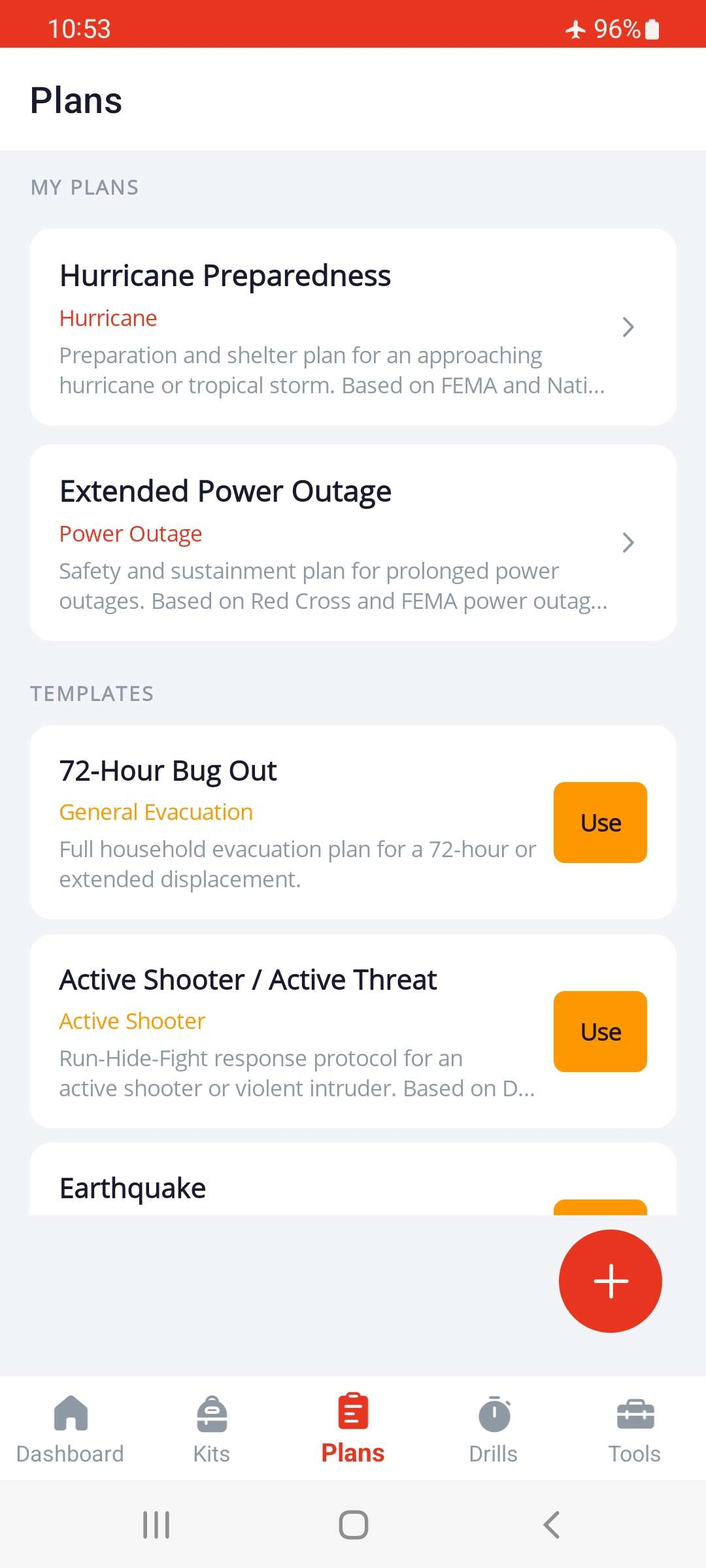
Build evacuation routes and stay-in-place plans for your household using 16 bundled FEMA-based templates. Link kits, contacts, locations, and step-by-step instructions into one actionable plan.
Emergency Execution Mode
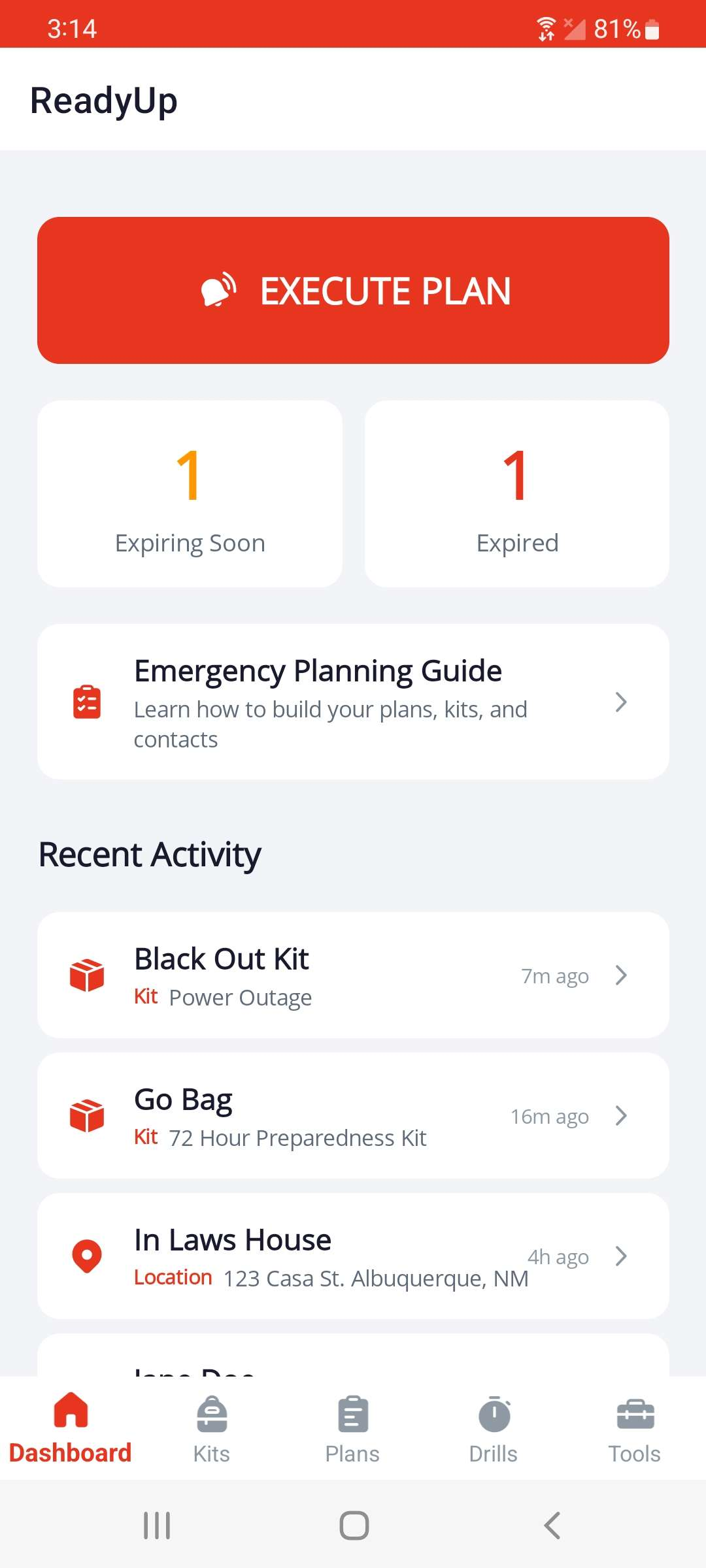
Activate any plan in a full-screen, high-contrast interface with your grab list, contacts, destination, and guided steps, designed for real emergencies. Loads instantly from local storage.
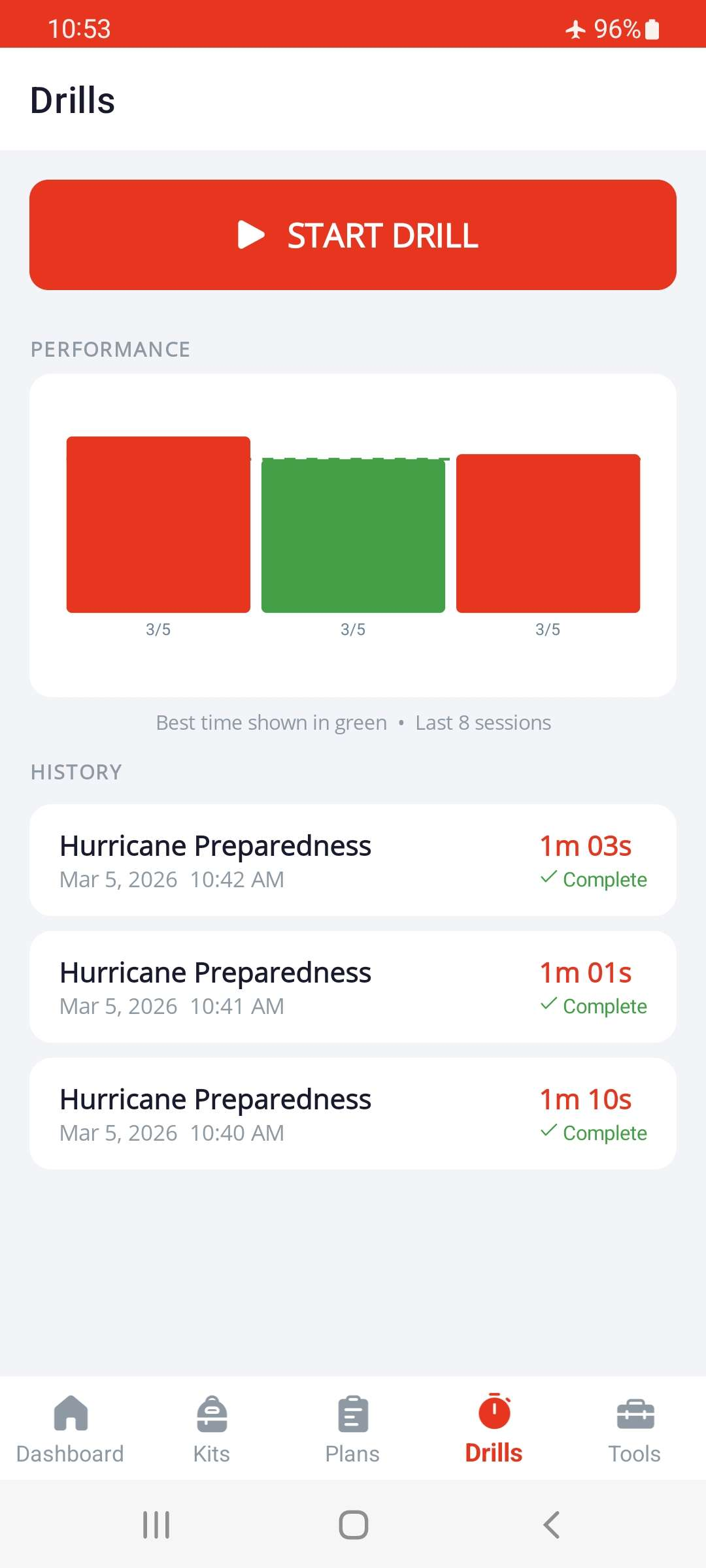
Drill Mode
Practice any plan with a running timer. Work through steps, track session history, and see your preparedness improve over time.
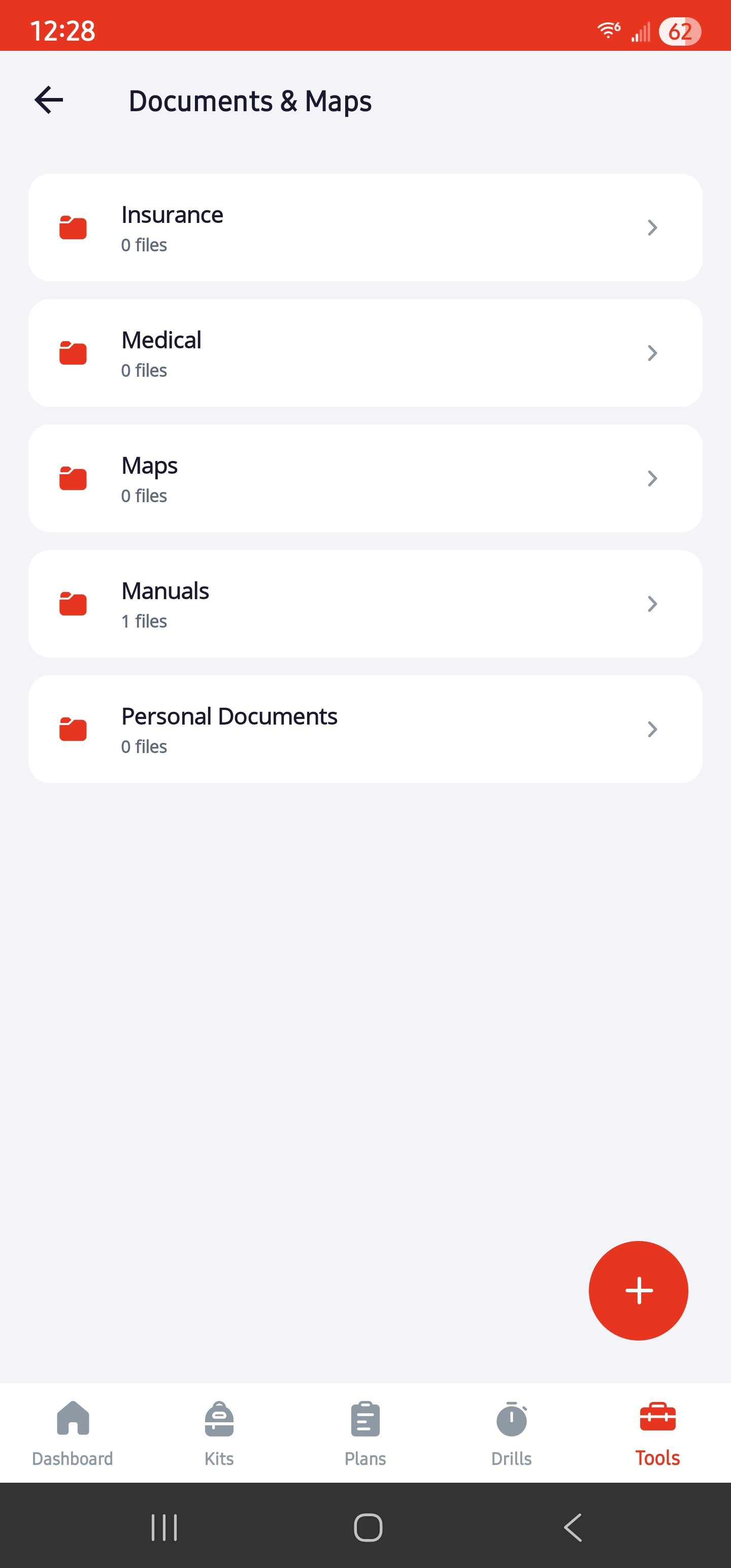
Documents & Maps
Store offline reference documents like insurance cards, medical records, maps, and equipment manuals, organized in folders. Import via file picker, photo library, or camera.
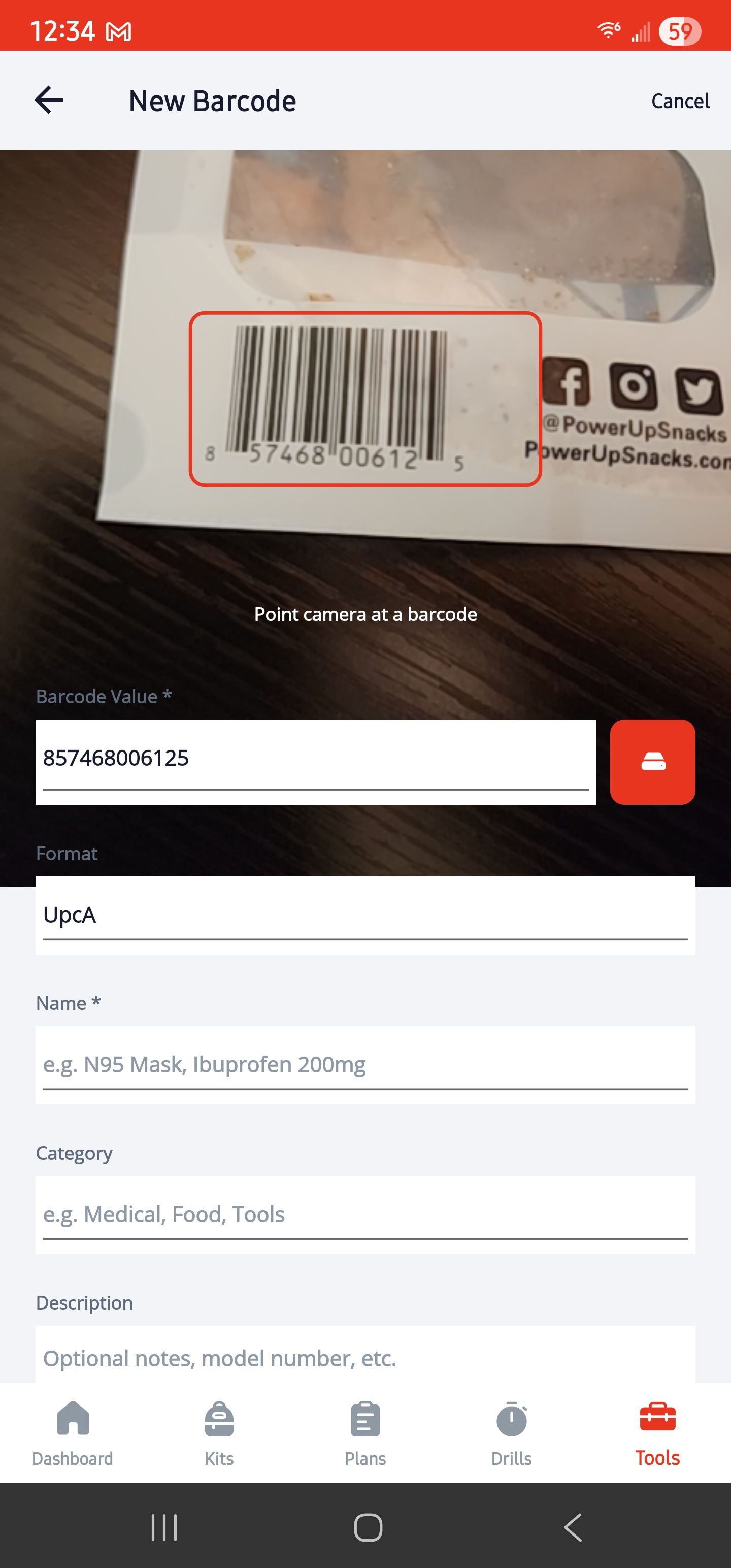
Barcode Library
Supports 12 barcode formats with auto-detection on scan. Scan or enter barcodes manually to build a reusable template library. Saved barcodes pre-fill inventory items in seconds. Multi-select entries to generate printable label PDFs. Import and export your library as Excel spreadsheets, with duplicate detection and skip-or-update control on import.
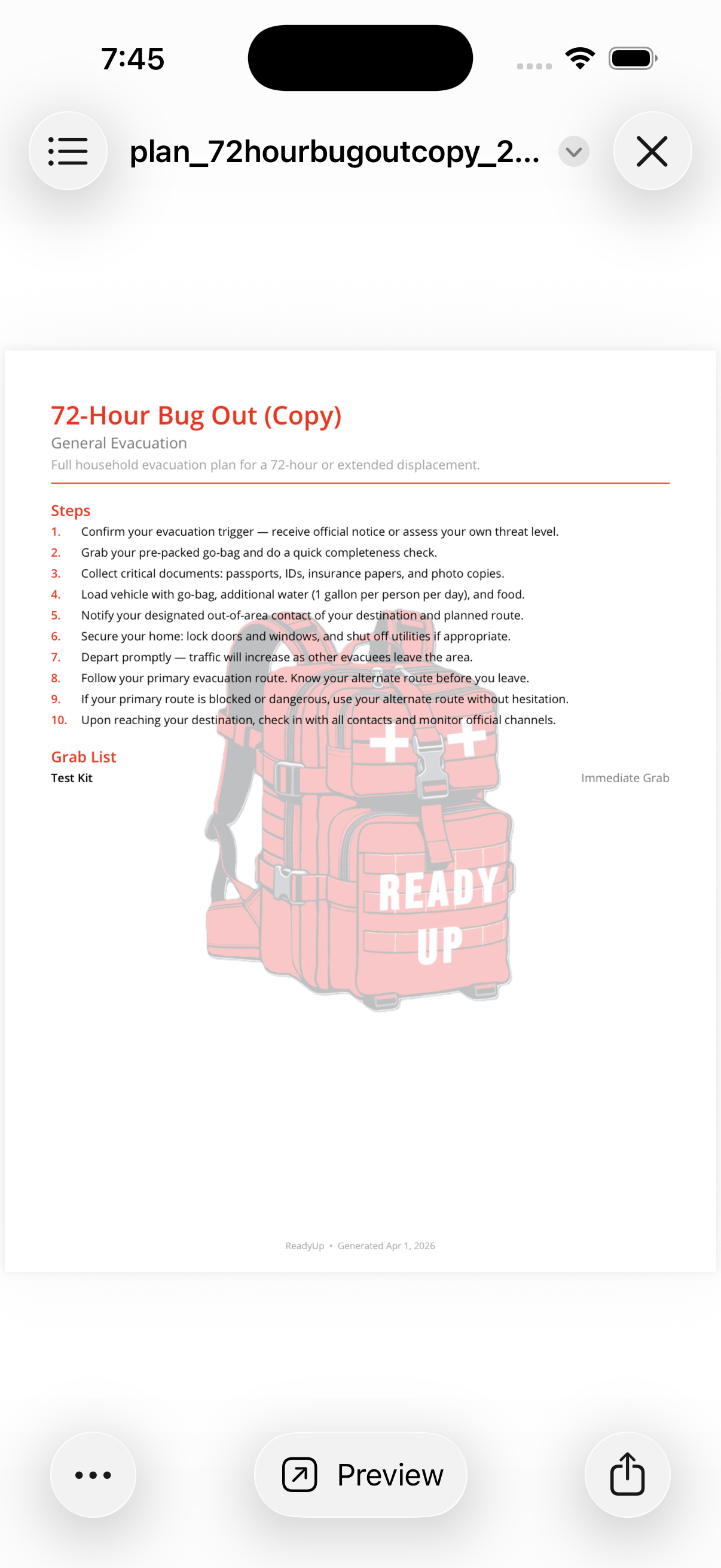
PDF Export
Export any kit or plan as a formatted PDF for printing or sharing. Generated entirely on your device.
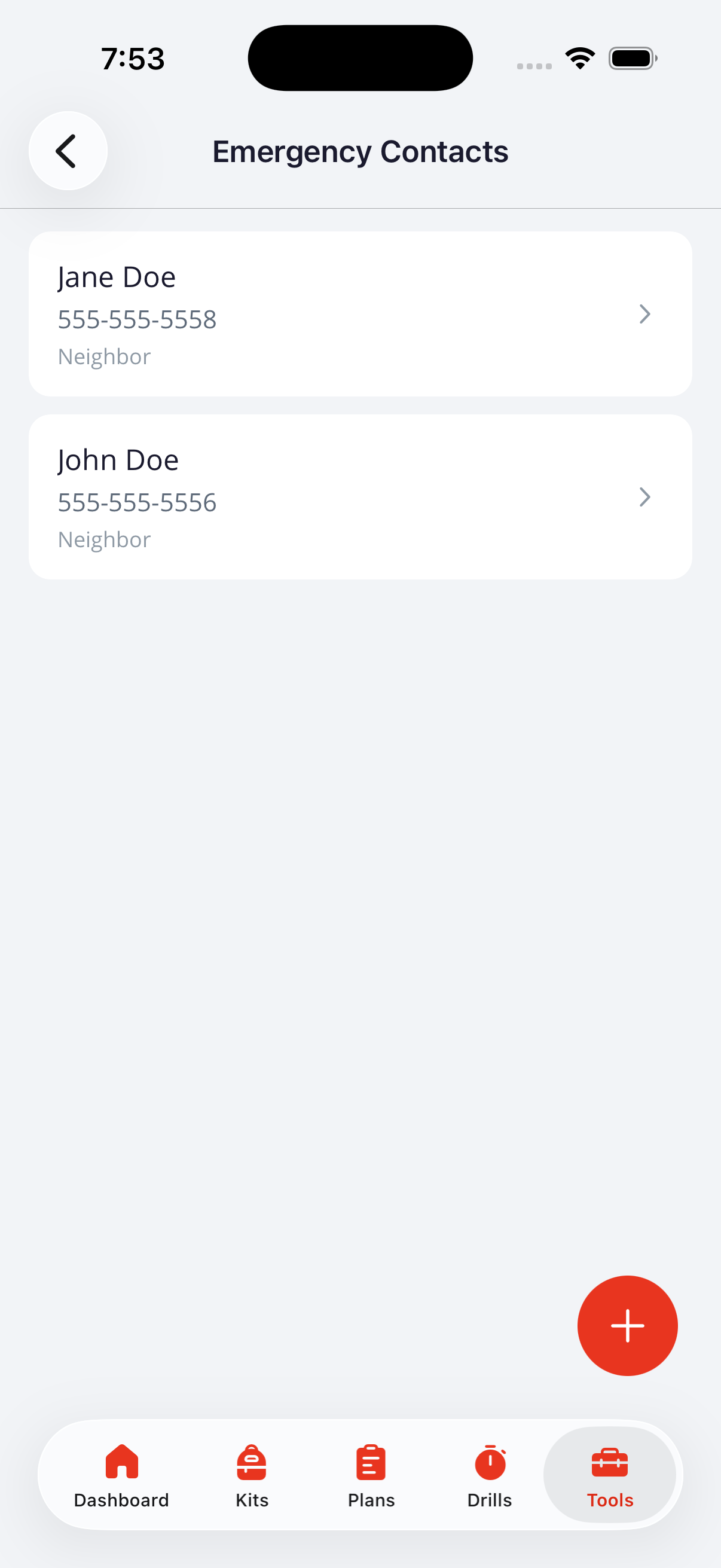
Emergency Contacts
Store out-of-area emergency contacts, local shelters, and household meeting locations. Accessible with no signal, independent of your device contacts.
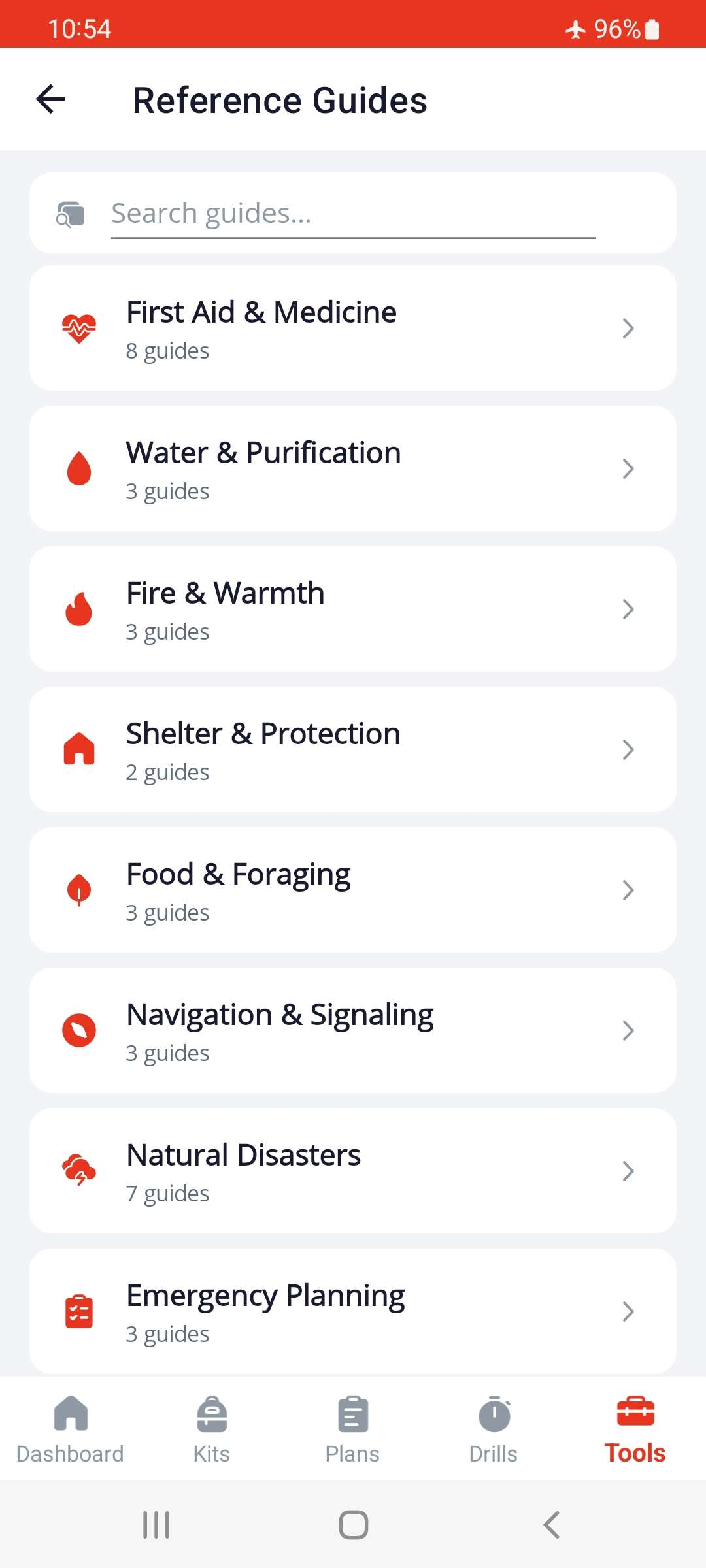
Reference Guides
Browse 36 curated guides across 10 categories: first aid, water & purification, fire, shelter, food & foraging, navigation & signaling, natural disasters, emergency planning, hygiene & sanitation, and knots & rigging. Sourced from U.S. Government public domain publications. Full-text search, category browsing, and tappable diagrams with a pinch-to-zoom viewer.
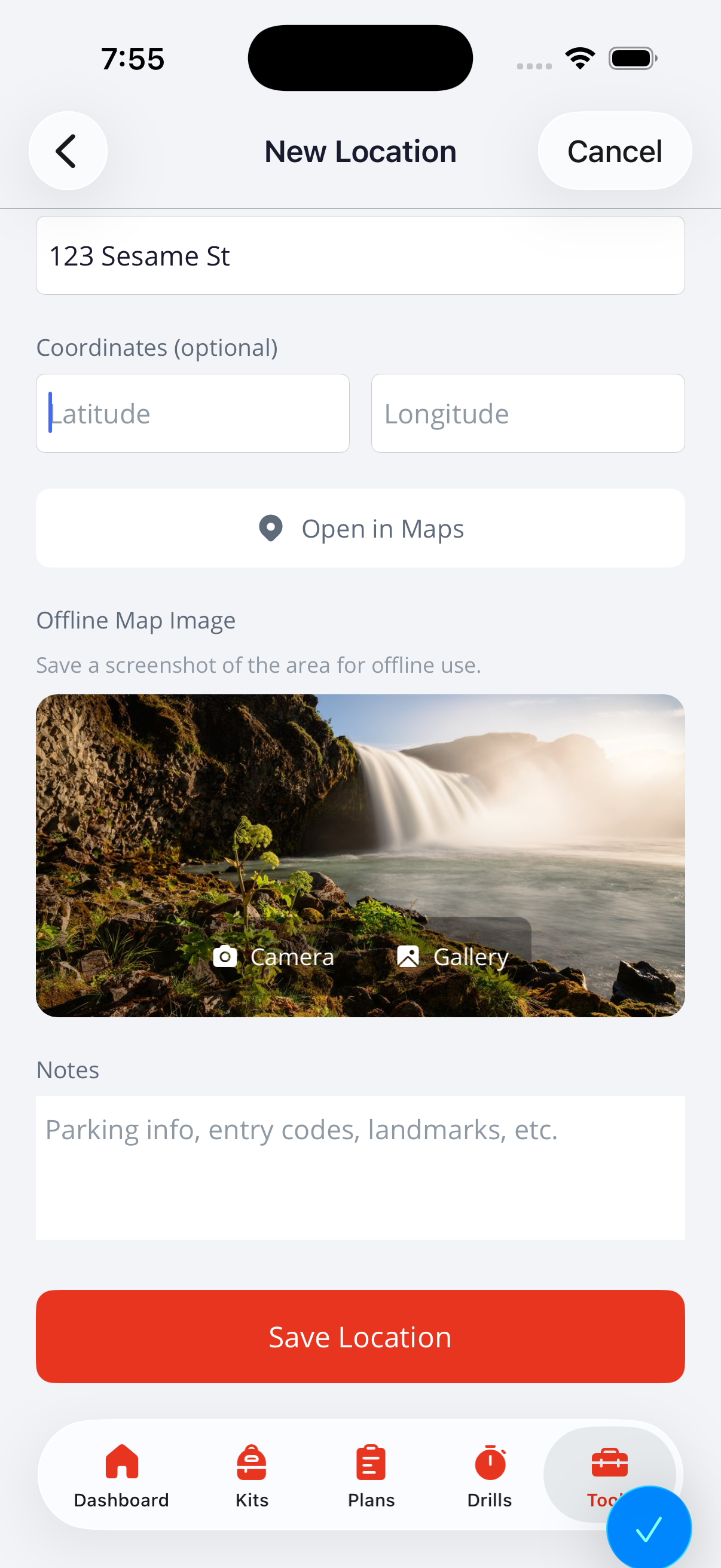
Locations
Save rally points, shelter locations, and destinations with addresses, GPS coordinates, and offline map images. Annotate maps with routes, markers, and notes. View and zoom into saved map images full-screen.
100% Offline
All data lives on your device in a local SQLite database. No accounts, no cloud sync, no network requests of any kind.
Backup & Auto-Backup
Export all your data as a single portable .readyup file, or enable auto-backup to save automatically on startup to a folder you choose. Restore from backup on any device. Your data never leaves your control.
Zero Automatic Data Collection
ReadyUp collects nothing automatically. No analytics, no automated crash reporting, no ad identifiers, no network requests. An on-device error log is available if you ever want to share it with us for support. That is always your choice, never ours.
Plan Sharing
Export any emergency plan as a portable .readyup-plan file and share it with family or teammates. Recipients import it as a reusable template on their own device with no account or internet needed. Import from the Plans tab, the Tools tab, or by tapping a received file.
Accessibility
VoiceOver and TalkBack screen reader support throughout, with semantic labels and hints on all interactive elements. Decorative icons are hidden from the accessibility tree. 44pt minimum touch targets enforced globally. Floating action buttons snap to the nearest corner and remember their position per screen.
Download